No products in the cart.
- “L17C3P53 L17L3P53 Laptop Battery for Lenovo ThinkPad L380 Yoga L390 Yoga Series L17M3P55 01AV482 SB10K97626 01AV481 SB10K97625 01AV483 SB10K97627 5B10W13891 5B10W13892 5B10W13893 SB10T83136 11.1V 45Wh” already exists in your wishlist
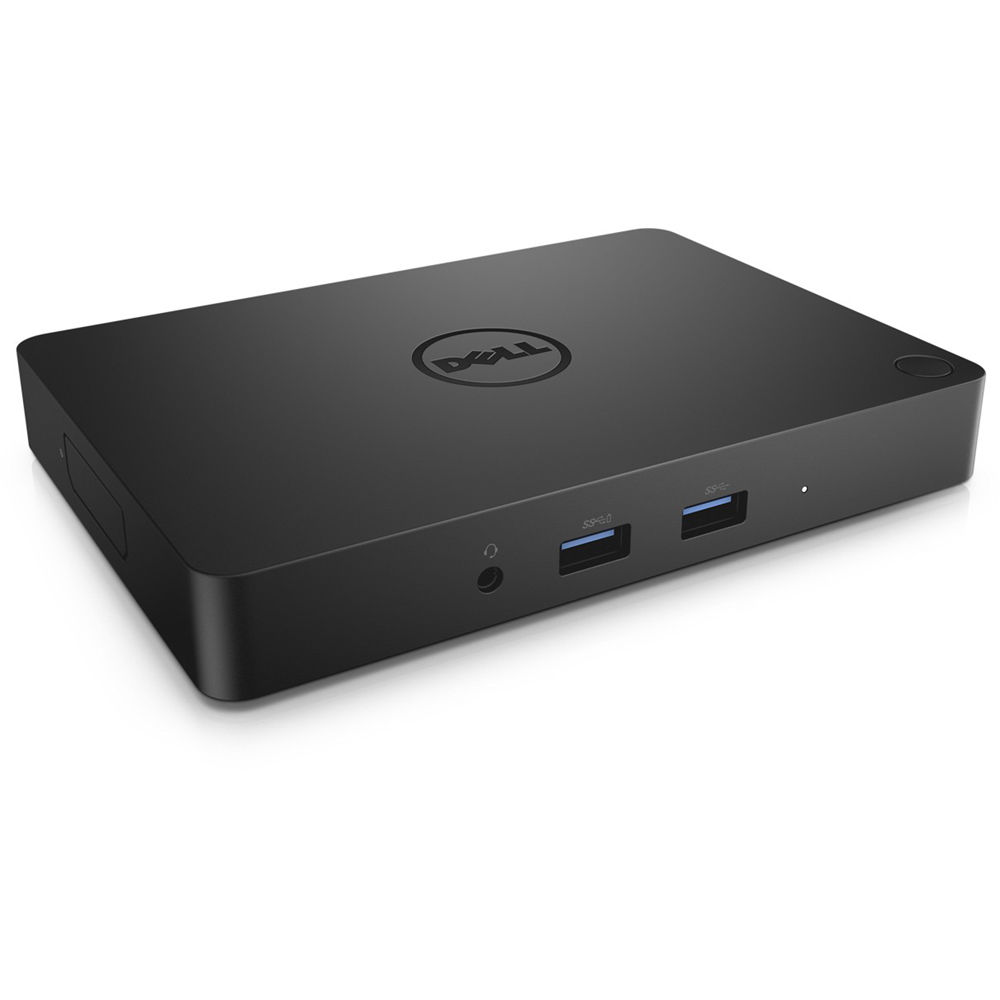
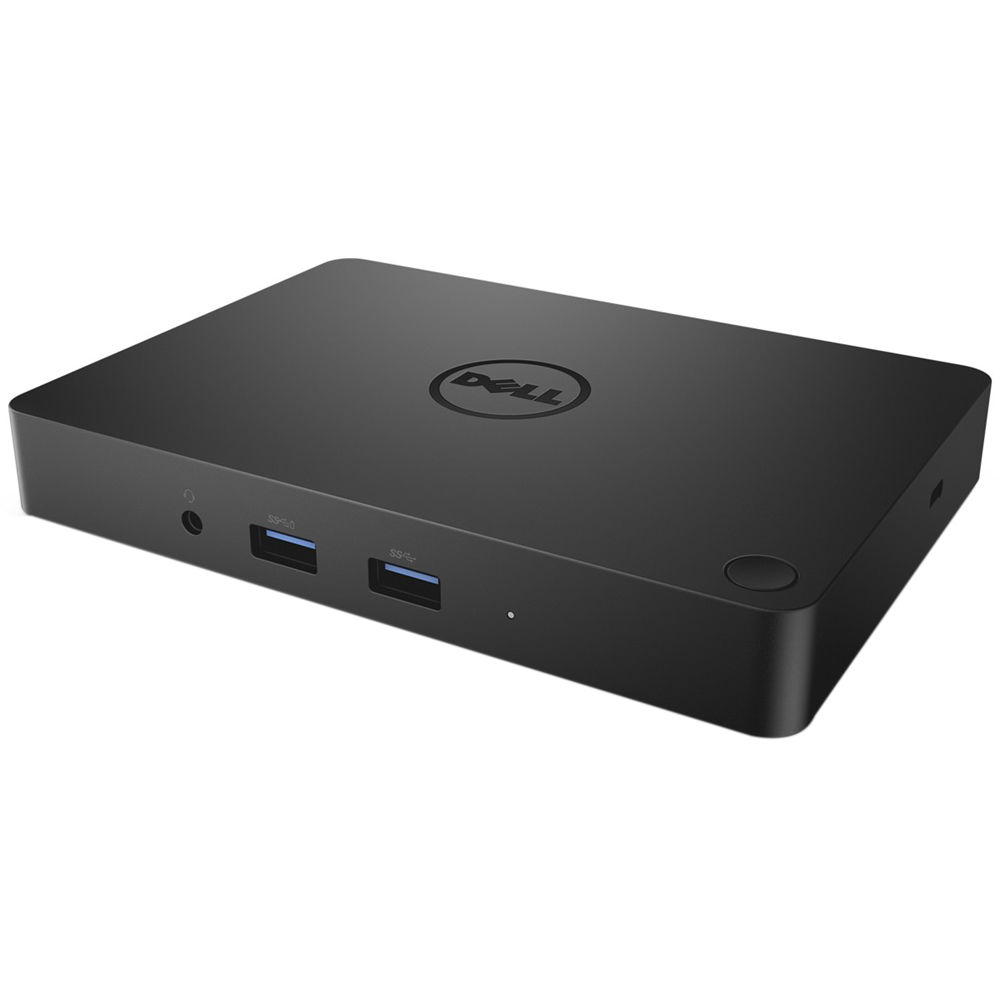
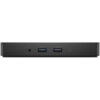
Dell WD15 Business Docking Station 180W Adapter
KSh 12,000.00
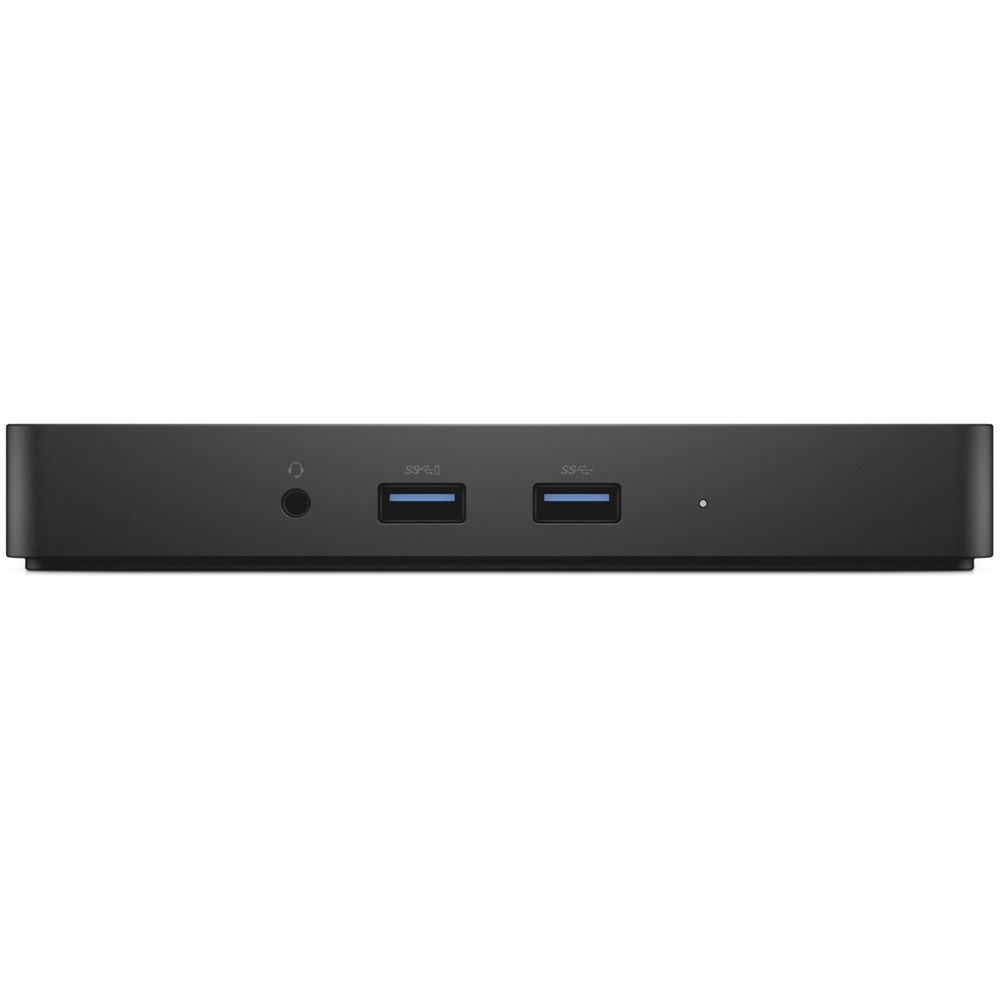
Dell WD15 Business Dock: USB‑C dock with 180 W adapter, multiple video/USB/Ethernet ports — expands laptop connectivity for work setups.
General Specifications
- Standard: USB Type-C
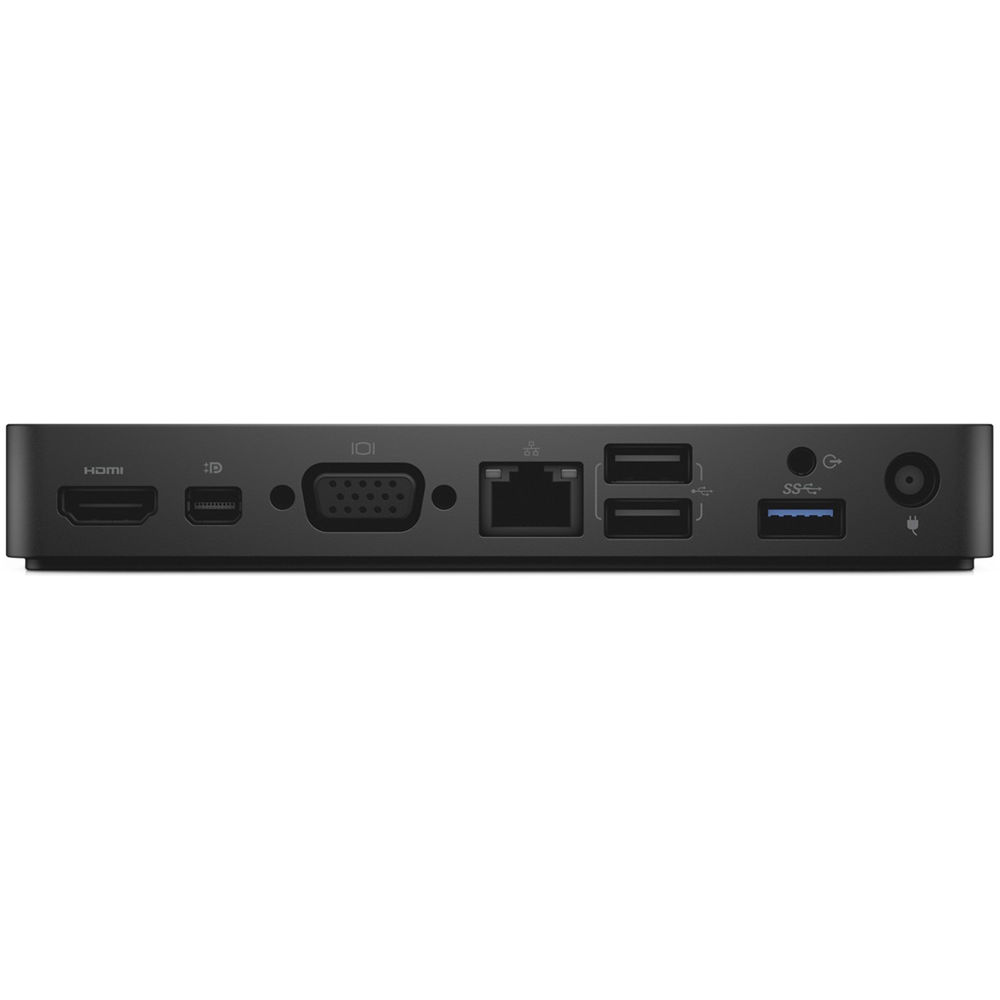
- Video Ports: 1x mini-DisplayPort (supports DP 1.2) | 1x HDMI (supports HDMI 1.4a) | 1x VGA Port
- Display Resolution: Up to 10.8 G of DisplayPort bandwidth (x2 DP lanes) | mDP or HDMI: 4K x 2K @ 30 Hz | VGA: 1920 x 1200 @ 60 Hz | 2x FHD or WUXGA (1920 x 1080 @ 60 Hz)(1920 x 1200 @ 60 Hz) | 3x SXGA (1280 x 1024 @ 60 Hz)
- IO Ports: 1x Headset connector | 1x Speaker out
- Network Port: 1x Gigabit Ethernet (RJ-45)
- USB Ports: 2x Front USB 3.0 Ports (one with Power Share) | 1x Rear USB 3.0 Port | 2x Rear USB 2.0 Ports
- DC-in Port: 1x 7.4 mm DC-in port
- USB Type-C cable length: 0.8 m
- Buttons: Sleep/Wakeup | Reset
- LEDs: Front status indicator: Connected Mode – White | Firmware Upgrade: White
- AC Adapter: 130W/180W
Product Overview
Experience the convenience of one USB Type-C common docking solution that provides power, data and video to your notebook, tablet, or workstation.
Imagine one device that supports cross platform docking with Dell and non-Dell devices. The Dell WD15 Business Dock with 180W Adapter provides single cable connectivity in a slim form factor to simplify your workspace without compromising video performance.
Connect easily to dual FHD displays, with the ability to mount the dock to your desk or behind a display with the Dell WD15 Business Dock with 180W Adapter Mounting Kit. Used in conferences rooms, this device makes it easy to collaborate and share ideas and presentations through a connected display or projector. Easily connect a mouse, keyboard and other essential devices through the Dell Dock’s various ports.
Performance and Support
- Dual Monitor Setup: Supports dual displays, but cannot use one digital and one analog (VGA) signal simultaneously; use HDMI and Mini DisplayPort together.
- Maintenance: Firmware updates are crucial to prevent issues like flickering and USB disconnection.
- System Power: Devices requiring more than 130W (like some Precision workstations) may require their own power adapter.
General Specifications
- Standard: USB Type-C
- Video Ports: 1x mini-DisplayPort (supports DP 1.2) | 1x HDMI (supports HDMI 1.4a) | 1x VGA Port
- Display Resolution: Up to 10.8 G of DisplayPort bandwidth (x2 DP lanes) | mDP or HDMI: 4K x 2K @ 30 Hz | VGA: 1920 x 1200 @ 60 Hz | 2x FHD or WUXGA (1920 x 1080 @ 60 Hz)(1920 x 1200 @ 60 Hz) | 3x SXGA (1280 x 1024 @ 60 Hz)
- IO Ports: 1x Headset connector | 1x Speaker out
- Network Port: 1x Gigabit Ethernet (RJ-45)
- USB Ports: 2x Front USB 3.0 Ports (one with Power Share) | 1x Rear USB 3.0 Port | 2x Rear USB 2.0 Ports
- DC-in Port: 1x 7.4 mm DC-in port
- USB Type-C cable length: 0.8 m
- Buttons: Sleep/Wakeup | Reset
- LEDs: Front status indicator: Connected Mode – White | Firmware Upgrade: White
- AC Adapter: 130W/180W